
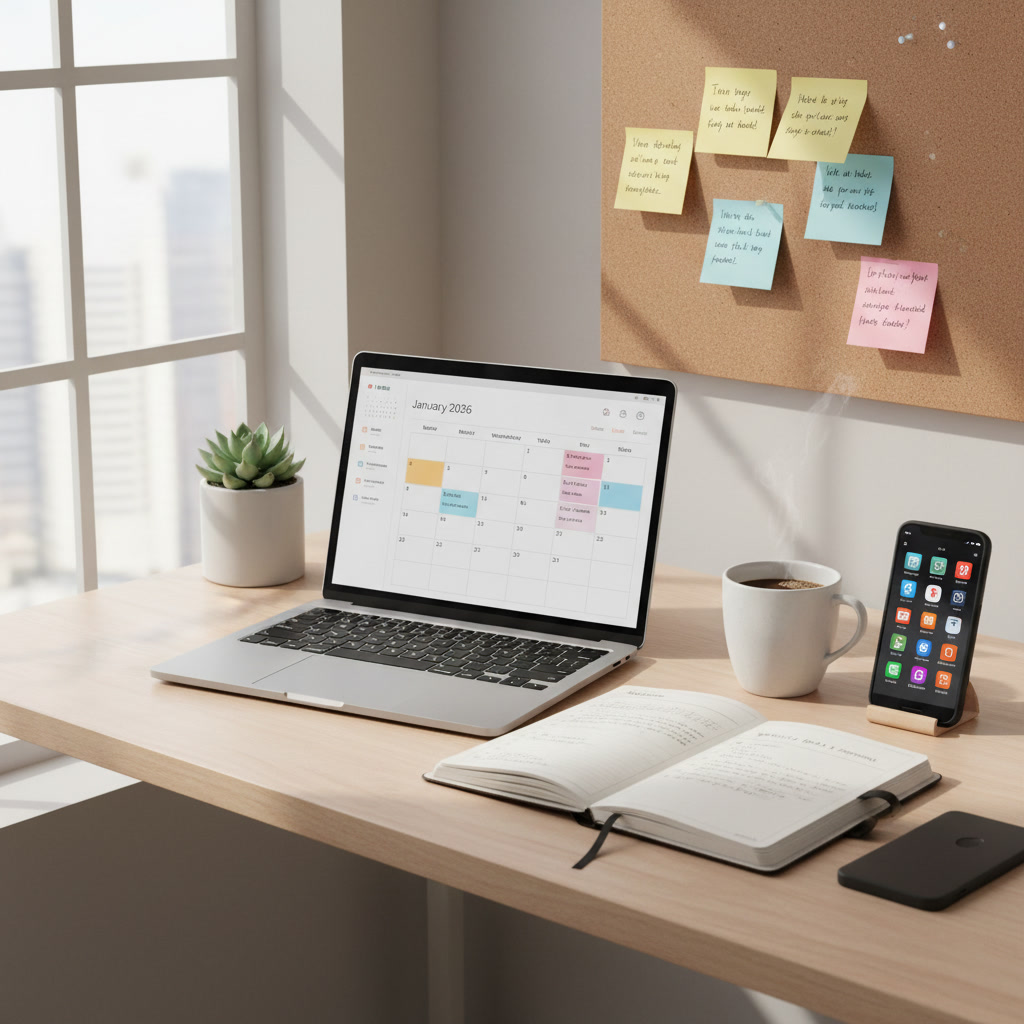
Weekly planning is one of the best strategies for boosting productivity. Whether you are a student, a professional, or someone aiming to optimize your daily life, mastering weekly planning helps you achieve more with less stress. This guide will teach you step-by-step how to plan your week for better productivity, using proven techniques and practical examples. Let’s begin!
Why Weekly Planning Boosts Productivity
Science Behind Weekly Planning and Productivity
Research shows that having a plan improves focus, reduces stress, and helps you use your time efficiently. Planning allows your brain to concentrate on important tasks rather than worrying about what to do next. This creates more mental clarity and supports better decision-making throughout the week.
Common Productivity Challenges Without a Plan
- Forgetting important tasks
- Losing track of deadlines
- Feeling overwhelmed by too much to do
- Wasting time on low-priority tasks
- Procrastination
Without weekly planning, these challenges can slow you down and make your week stressful.
Step-by-Step Guide: How to Plan Your Week for Better Productivity
1. Set Clear Weekly Goals
- Write down your top goals for the week. These should be specific and realistic. For example, “Finish math project” or “Prepare for English test.”
- Limit your weekly goals to 3-5 main tasks. This keeps your plan focused and doable.
2. Prioritize Tasks Using the Eisenhower Matrix
The Eisenhower Matrix helps you decide which tasks are most important. It splits tasks into four categories:
- Urgent and Important (do first)
- Important but Not Urgent (schedule)
- Urgent but Not Important (delegate)
- Not Urgent and Not Important (skip)
- List your tasks in each quadrant.
- Focus on urgent and important tasks first. Schedule the others for later in the week.
3. Block Your Calendar for Deep Work
- Choose specific times in your week when you will work on difficult tasks without distractions. This is called “deep work.”
- Mark these blocks on your calendar, notebook, or planner. Aim for 1-2 hours at a time.
- Protect these blocks by turning off notifications and letting others know you are unavailable.
4. Plan for Flexibility and Breaks
- Include extra time in your schedule for unexpected tasks or changes.
- Plan short breaks every 60-90 minutes to rest and recharge. This improves focus and productivity.
- Use breaks for quick walks, snacks, or stretching.
5. Review and Adjust Your Plan Midweek
- On Wednesday or Thursday, review your progress. Check which goals are done or still in progress.
- Adjust your plan if needed. Move tasks, add new ones, or drop less important items.
- This review helps you stay flexible and focused until the end of the week.
Essential Tools and Templates for Weekly Planning
Best Digital Planners and Apps (2026 Update)
- Notion: Customizable and easy to use for planning tasks.
- Google Calendar: Syncs with devices and helps block time for tasks.
- Trello: Great for visual task boards and tracking progress.
- Any.do: Simple, mobile-friendly task manager.
These tools make weekly planning simple and help you keep everything organized.
Printable Weekly Planning Templates
- Download printable templates online for easy use.
- Look for templates with sections for goals, priorities, tasks, and notes.
- Use colored pens or stickers to highlight important tasks.
Integrating Your Planner With Other Productivity Tools
- Sync your planner with reminder apps or calendars for alerts.
- Connect tools like Notion, Google Calendar, and Trello to help manage tasks across all devices.
- Set reminders for key tasks and deadlines.
Real-life Examples: Productive Weekly Plans from High Performers
Sample Weekly Plan for Professionals
| Day | Main Task | Deep Work Block | Breaks |
|---|---|---|---|
| Monday | Team meeting; Start project report | 10:00-12:00 | 30-min lunch; 10-min walk |
| Wednesday | Finish project report | 9:00-11:00 | Short stretch breaks |
| Friday | Submit report; Review week | 10:00-11:30 | 10-min relaxation break |
Sample Weekly Plan for Students
| Day | Main Goal | Study Time | Breaks |
|---|---|---|---|
| Monday | Math project | 4:00-5:30pm | Snack; 5-min walk |
| Wednesday | English essay draft | 6:00-7:30pm | Rest; chat with friends |
| Friday | Science test review | 4:30-6:00pm | Stretch; listen to music |
Lessons Learned from Productivity Experts
- Chunk big tasks into smaller steps.
- Schedule tasks and breaks to prevent burnout.
- Review and adjust plans regularly for more success.
Troubleshooting: How to Stay on Track With Your Weekly Plan
Overcoming Procrastination and Distractions
- Use time-blocking to limit distractions.
- Set small, clear goals each day.
- Put your phone away during deep work blocks.
- Reward yourself for finishing tasks.
What to Do When Your Plan Gets Off Track
- Don’t panic. Review what went wrong.
- Move unfinished tasks to another day.
- Drop less important tasks if needed.
- Stay positive and flexible.
Maintaining Motivation and Consistency
- Set reminders for your goals.
- Share your goals with a friend or mentor.
- Celebrate small wins each week.
- Plan fun activities as rewards.
FAQ: Weekly Planning for Productivity
- Q: How do I choose my weekly goals?
A: Pick tasks that are important, realistic, and can be done within the week. - Q: What if I can’t finish all my tasks?
A: Adjust your plan, focus on high-priority items, and drop less important ones. - Q: How often should I review my plan?
A: Review your plan midweek and at the end of the week for best results. - Q: Which tools are best for weekly planning?
A: Use digital planners like Notion, Trello, and Google Calendar or printable templates. - Q: How can I stay motivated?
A: Celebrate progress and reward yourself with breaks or fun activities.
Weekly planning is essential for productivity. Set clear goals, prioritize tasks, block time for deep work, plan breaks, and review your progress. Use tools like Notion or printable templates to help, and learn from high performers. Troubleshoot common issues, stay flexible, and celebrate success. Start planning your week today and enjoy better productivity!