
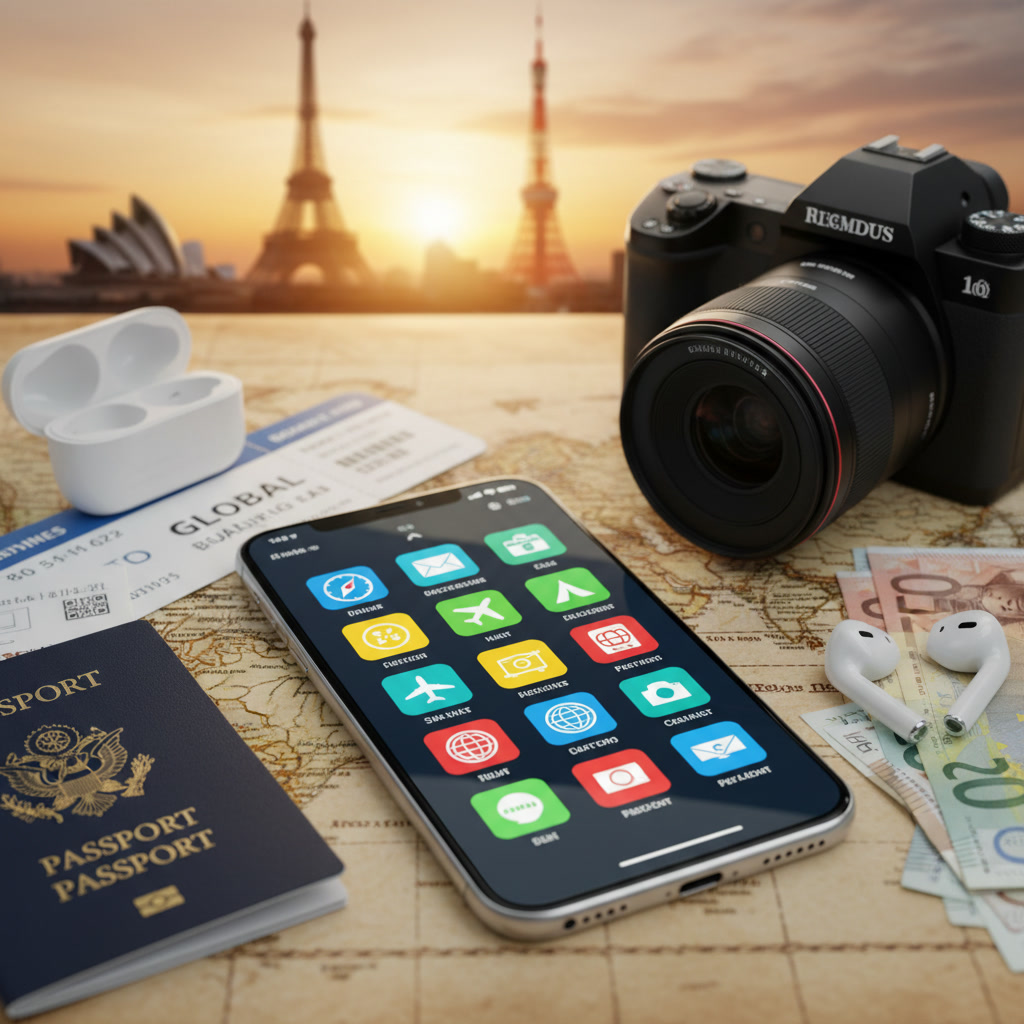
Why Travel Apps Are Essential for International Trips
Navigating Language Barriers
If you travel to a country where you do not speak the language, even simple tasks like ordering food or asking for directions become challenging. Travel apps with translation features can help you communicate easily and avoid misunderstandings.
Managing Itineraries and Bookings
Keeping track of flights, hotel bookings, and planned activities is not easy when traveling internationally. Apps can store all your travel documents, alerts, and schedules in one place for quick access.
Staying Connected on the Go
When you are traveling abroad, you might not always have fast internet or easy access to information. Travel apps help you find Wi-Fi, keep in touch with family, and connect with new people safely and effectively.
Top Types of Travel Apps for International Travelers
Navigation and Maps
Navigation apps use GPS to show your location, give routes, and provide directions whether you are walking, driving, or taking public transport. They are vital to avoid getting lost in a new city.
Language Translation Tools
Translation apps help you communicate and understand menus, signs, or conversations in foreign languages. Many can even work offline after downloading language packs.
Currency Conversion and Budgeting
These apps instantly convert prices into your home currency and can help you track spendings. They protect you from overpaying and help you stick to your budget.
Accommodation and Flight Bookings
Booking apps provide access to global hotels, flights, and vacation rentals. You can compare prices, read reviews, and get instant confirmations even when you are on the move.
Local Experiences and Tours
Apps for tours and experiences connect travelers with local guides and activities, making it easier to explore beyond common tourist spots and have unique adventures.
Safety and Emergency Assistance
Travel safety apps offer updates on local hazards, health risks, and emergency contacts. They provide peace of mind by giving you important information fast.
How to Select the Best Travel Apps for Your Needs
Evaluating User Reviews and Ratings
Read the reviews and ratings before downloading a travel app. High ratings and positive comments usually mean the app is reliable and user-friendly.
Checking Offline Functionality
Look for apps that work without an internet connection. This is helpful when you are in places with poor signal or want to avoid using mobile data.
Data Privacy and Security Considerations
Your data is valuable, so check the app’s privacy policy. Choose apps that protect your personal details and do not ask for unnecessary permissions.
Regional Compatibility and Accessibility
Some travel apps work better in certain countries. Make sure the app supports the languages, maps, and services of your travel destination.
Best Travel Apps for International Trips in 2026
Maps & Navigation: Google Maps, Maps.me
- Google Maps: Offers detailed city maps, public transit info, and local business details. Maps can be saved offline.
- Maps.me: Fully offline maps and navigation, very useful for remote areas.
Translation: Google Translate, DeepL
- Google Translate: Translates text, voice, and even images. Many languages supported offline.
- DeepL: Known for its accurate translations, especially for longer texts.
Finance & Currency: XE Currency, Revolut
- XE Currency: Fast currency converter with live exchange rates and offline mode.
- Revolut: Digital banking with instant currency exchange and global payment features.
Booking & Accommodation: Booking.com, Airbnb
- Booking.com: Wide range of hotels and instant booking confirmation.
- Airbnb: Book apartments, rooms, and unique stays directly from owners.
Local Experiences: GetYourGuide, Viator
- GetYourGuide: Reserve local tours, sightseeing experiences, and skip-the-line tickets.
- Viator: Large selection of tours with traveler reviews and secure payment options.
Safety & Emergency: Sitata, Smart Traveler
- Sitata: Real-time health and safety alerts, plus emergency information for your destination.
- Smart Traveler: Offers up-to-date travel advisories and contact info for embassies.
How to Use Travel Apps Effectively During Your Trip
Pre-Trip Setup and Downloads
- Download all needed apps before leaving, so you are not delayed abroad.
- Set up your accounts and save important documents (tickets, bookings) offline within the apps.
- Download offline maps and language packs to save on roaming data.
Managing Data and Roaming Abroad
- Turn off automatic updates and background data use on your travel apps.
- Buy a local SIM card or an international data plan if you need to stay connected online.
- Use Wi-Fi where possible to save money and battery power.
Using Offline Features
- Practice using navigation and translation features in airplane mode before traveling.
- Keep downloaded content (maps, travel guides) updated before your trip.
- Test the app’s response when offline so you know what to expect in an emergency.
Syncing Across Devices
- Sync your travel apps on phone and tablet in advance to ensure backup access.
- Enable cloud features or email yourself important data like bookings and passwords.
- Set your devices to local time zone for accurate itinerary displays and alerts.
Troubleshooting Common Issues With Travel Apps Abroad
Solving Connectivity Problems
- Check airplane mode and cellular settings if apps are not updating.
- Restart your device or reset network settings if you lose connection.
- Try to find Wi-Fi at local cafes, libraries, or hotels to download updates.
Language & Accessibility Adjustments
- In app settings, switch language to your preferred language if available.
- Enable large text or voice features if you have trouble reading small screens.
- Use translation features for menus or app content not in your own language.
App Updates and Regional Restrictions
- Update apps to the latest version before your trip to avoid bugs abroad.
- Use a VPN service if an app is blocked in your travel country.
- If an app stops working, look for alternatives as backup before you go.
FAQ: Everything About the Best Travel Apps for International Trips
- Q: Do I need internet for all travel apps?
A: Many offer offline modes, but some features work best online. - Q: Can I trust booking apps with my credit card?
A: Leading apps use secure payment systems. Still, check for verified providers and always use strong passwords. - Q: What if I lose my phone abroad?
A: Back up your data to the cloud. Keep emergency contacts and booking details on paper as a backup. - Q: Are all recommended travel apps free?
A: Most are free or have free versions, but some advanced features may require payment. - Q: Which app should I download if I visit multiple countries?
A: Choose global apps like Google Maps, Google Translate, and XE Currency for best coverage.
Key Takeaways and Next Steps
- Travel apps are essential for smooth, safe, and enjoyable international trips.
- Select the best apps by reading reviews, checking privacy features, and testing offline use.
- Prepare your devices and apps before travel, and always have a backup plan.
- Keep learning about new travel apps and features to keep improving your travel experience.
Now that you know how to choose, set up, and use the best travel apps for international trips, start planning your adventure with confidence and safety in mind!