Creating a productive workplace starts with a well-organized and inspiring desk setup. Whether you are a student, creative, or someone working from home, the right workspace can boost focus and comfort. This guide will walk you through the best desk setup ideas, suitable for different styles and needs. You'll learn how to choose the essentials, organize your space, upgrade with modern trends, and solve common problems. This step-by-step guide uses simple English so everyone, especially students in grade 9, can follow along easily.
Top Desk Setup Essentials for Maximum Productivity
1. Choosing the Right Desk and Chair
-
Find the Right Size Desk: Choose a desk with enough space for your computer, notebooks, and any other tools you use regularly. Look for desks with drawers to keep supplies close by.
-
Select a Comfortable Chair: Use an adjustable chair with good back support. This helps your posture and prevents back pain during long study or work sessions.
-
Test Before Buying: If possible, test the desk and chair in person. Make sure you can sit comfortably, with your feet flat on the floor.
2. Ergonomic Accessories for Comfort
-
Keyboard and Mouse: Choose an ergonomic keyboard and mouse. These devices protect your wrists and make long sessions more comfortable.
-
Monitor Stand: Use a stand to raise your monitor to eye level. This helps you avoid neck strain.
-
Footrest: A footrest under your desk provides extra comfort, especially during long hours of work or study.
3. Optimizing Lighting for a Productive Workspace
-
Use Natural Light: Position your desk near a window if you can. Natural light helps you feel alert and focused.
-
Add a Desk Lamp: If natural light isn’t enough, use a desk lamp with adjustable brightness. Choose warm white light for comfort.
-
Reduce Glare: Adjust your monitor or add curtains to avoid glare on screens, which can lead to eye strain.
Inspiring Desk Setup Ideas by Workspace Style
1. Minimalist Desk Setup for Focus
-
Keep Only Essentials: Remove extra items and keep your desk clear. Only keep what you use daily, like a laptop, notebook, and pen.
-
Use Simple Storage: Small trays or containers can hold small items like paper clips or USB drives.
-
Neutral Colors: Choose white, gray, or beige to create a calm atmosphere that encourages concentration.
2. Tech-Enhanced Desk Setup for Efficiency
-
Add Extra Monitors: If you often switch between tasks, a second screen can help you work faster.
-
Use a Docking Station: Connect all your devices (keyboard, mouse, monitor) through one hub for easy setup.
-
Wireless Accessories: Wireless keyboards and mice reduce cable clutter and let you move freely.
3. Creative Desk Setup for Artistic Work
-
Inspiration Board: Pin up art, photos, or quotes that inspire you above your desk.
-
Space for Supplies: Keep paints, markers, or other tools nearby in organized boxes or holders.
-
Adjustable Lighting: Use dimmable lights so you can set the mood while you create.
4. Home Office Desk Setup for Remote Work
-
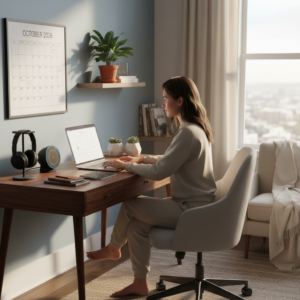
Dedicated Work Zone: Separate your work area from relaxation spaces at home to help you focus.
-
Stable Internet Connection: Place your desk near your router or use a cable for stronger, more reliable internet.
-
Video Meeting Ready: Set up your camera with a clean and uncluttered background for online meetings.
How to Organize Your Desk for Productivity
1. Decluttering Strategies and Storage Solutions
-
Remove Unnecessary Items: Take everything off your desk and only put back what you use daily.
-
Use Drawers and Shelves: Store papers, books, and supplies in drawers, on shelves, or in boxes to keep your surface clear.
-
Organize Regularly: Set a weekly reminder to tidy your workspace and discard old papers or broken tools.
2. Cable Management Tips
-
Gather Loose Cables: Use clips or zip ties to bundle cables together behind your desk.
-
Label Cords: Add small labels to each cable, so you know which one goes where.
-
Use Cable Holders: Stick cable holders to the edge of your desk to prevent cords from falling to the floor.
3. Personalizing Your Workspace Without Distractions
-
Add Small Decorations: Place one or two personal items, like a plant or photo, to make your space feel inviting.
-
Limit Distractions: Avoid putting too many gadgets or toys on your desk that may pull your focus away.
-
Change it Up: Rotate your decorations every few months to keep things fresh and exciting.
Desk Setup Upgrades for 2026: Trends and Innovations
1. Smart Desk Gadgets and Tools
-
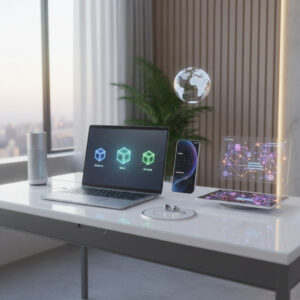
Smart Lamps: Use lamps that adjust brightness based on the time of day or your needs.
-
Wireless Charging Pads: Place your phone or earbuds on a charging pad for hassle-free power.
-
Voice Assistant Devices: Add a voice-controlled device to play music, set reminders, or ask questions while you work.
2. Eco-Friendly Desk Setup Ideas
-
Sustainable Furniture: Look for desks and chairs made from recycled materials or wood from renewable sources.
-
Use LED Bulbs: Switch to energy-saving LED lights to reduce electricity use.
-
Reusable Accessories: Use refillable pens, notebooks, or cups to reduce waste at your desk.
3. Multi-Monitor and Dual-Screen Desk Setups
-
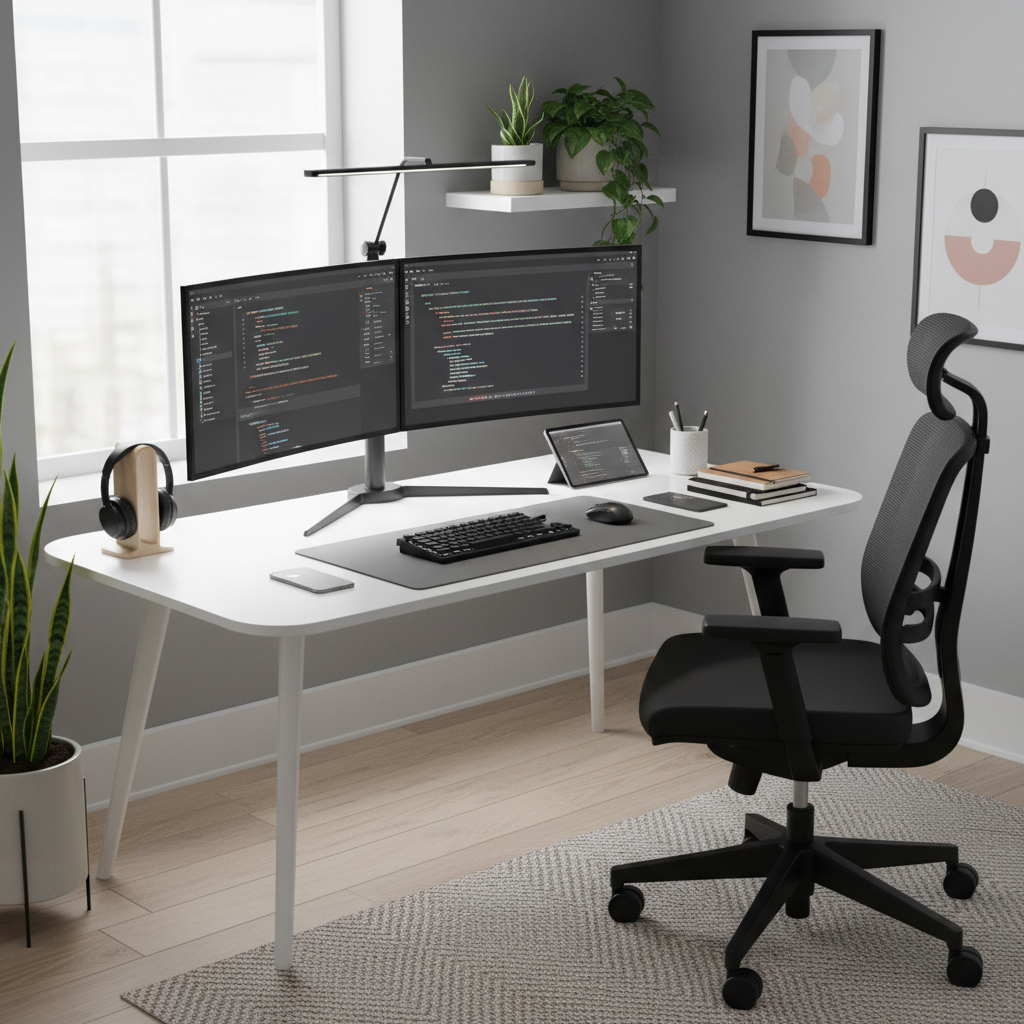
Setup Two Screens: Arrange monitors side by side at equal height for easier work and study, making multitasking smoother.
-
Monitor Arms: Use adjustable monitor arms to free up desk space and let you move screens into the perfect position.
-
Connect Devices Easily: Set up your computer so switching between screens and devices is simple and quick.
FAQ: Common Questions About the Best Desk Setup Ideas for a Productive Workspace
-
Q: How can I make my desk setup more comfortable?
A: Use ergonomic accessories such as an adjustable chair, monitor stand, and keyboard to improve posture and comfort. -
Q: What if I don't have much space at home?
A: Try a compact desk, wall shelves, and multi-use storage boxes to maximize your work area. -
Q: How do I keep my desk organized?
A: Regularly clean your desk, use trays or containers, and keep only the essentials on your workspace. -
Q: Are standing desks worth it?
A: Yes, standing desks can be a healthy choice. They let you switch between sitting and standing, which can help reduce back pain and improve focus. -
Q: What lighting is best for a home office desk setup?
A: Natural light is best. If that's not possible, use warm, adjustable LED desk lamps that reduce glare.
Summary and Next Steps
Building the best desk setup for a productive workspace is easier than you think. Start by choosing the right furniture, add ergonomic accessories, and set up proper lighting. Organize your workspace with smart storage and cable management solutions. Try different styles—minimalist, tech, creative, or home office—to find out what works best for you. Upgrading with the latest trends and making eco-friendly choices can boost both productivity and well-being. Remember to personalize your space with items that inspire you, while keeping distractions to a minimum. With the right setup, you can study, create, or work more efficiently and comfortably—every single day.